|
|
|
Support Article
| Return to Support / Article: 5212031 |
| Published: Tuesday, June 2, 2026 |
Pairing a GSM 900MHz Remote to the 900MHz Receiver
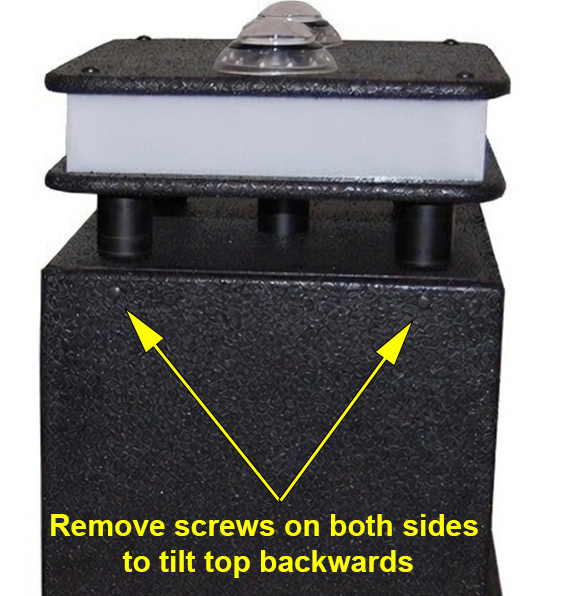
Step 1: Remove all four screws and tilt the podium top lid backward slightly until the receiver is visible. Be careful not to let the top of the podium drop since it is attached to wire harnesses connect to the main circuit board. The receiver is attached to the left inner-side via velcro.
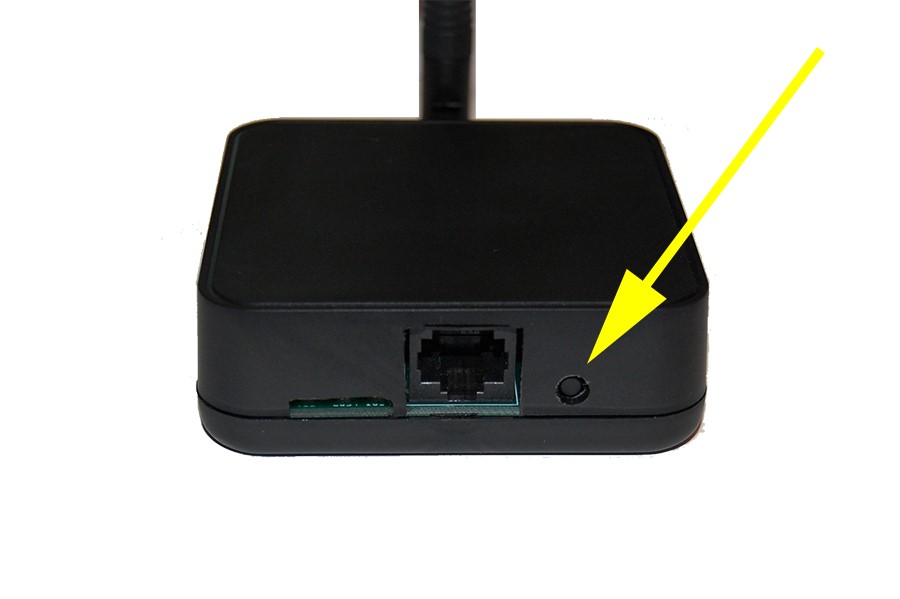
Step 2: Remove the receiver from the velcro and turn it over until the pairing button is visible. Then press the button once and a blue light will flash. (The podium must be powered on for this to work.)
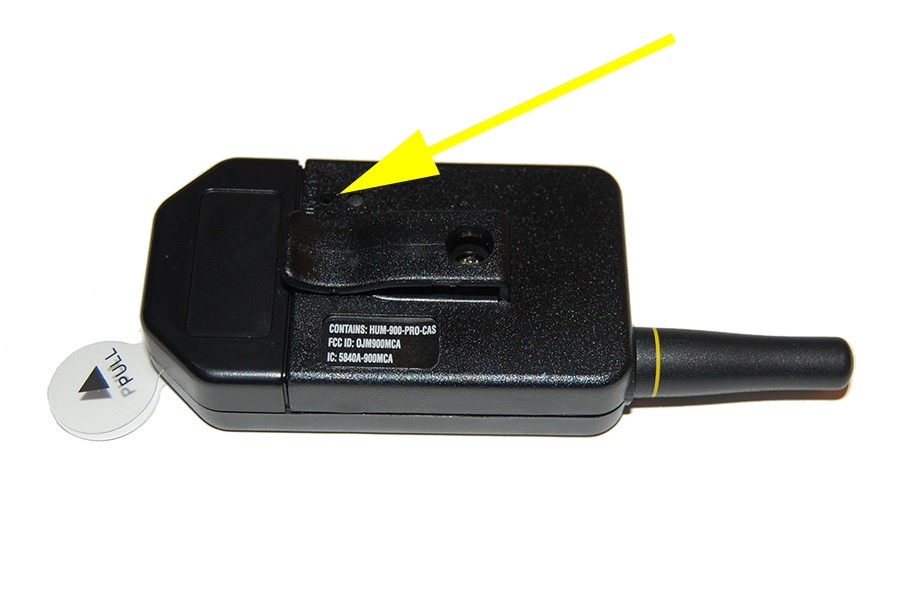
Step 3: Using a paperclip, press the pairing button on the wireless remote. The blue light on the remote will also flash. Once the remote locates the receiver signal they will flash in succession six times and turn off. Your remote is now paired to your receiver.
|
|
|
|
 Cart is empty


